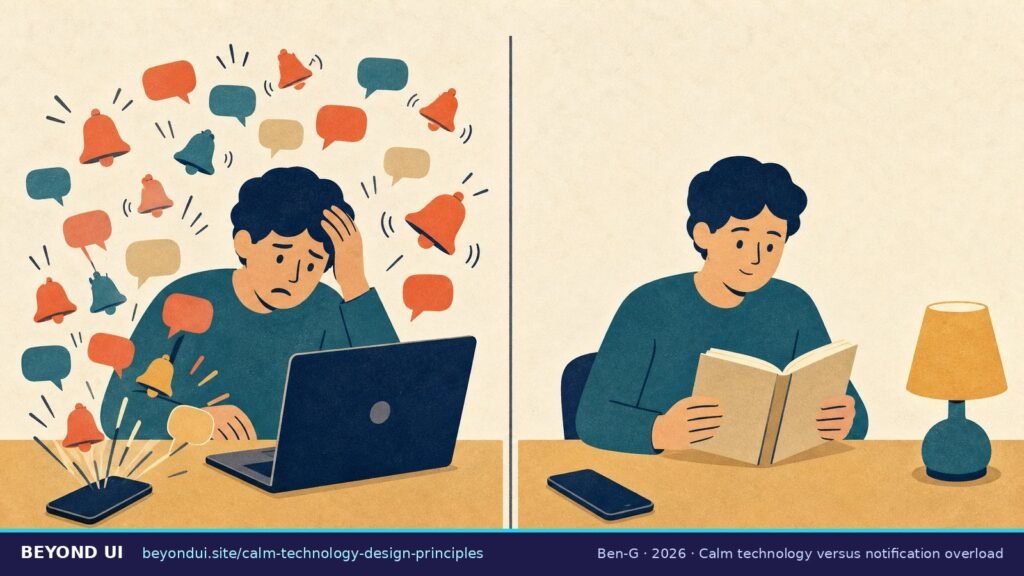
“A very busy network causes a madly whirling string with a characteristic noise; a quiet network causes only a small twitch every few seconds.”— Mark Weiser & John Seely Brown, describing the Dangling String at Xerox PARC in “Designing Calm Technology”, 1995
Calm technology design principles describe how to build products that inform people without demanding their attention. The idea comes from Xerox PARC in 1995; the eight principles most designers use today were written by Amber Case. Below you will find all eight, twelve real calm technology examples from a 1995 string to 2026 certified devices, and an audit tool to score your own product.
Gloria Mark, UC Irvine: APA and Attention Span (2023)
Key takeaways
- → Calm technology was described by Mark Weiser and John Seely Brown at Xerox PARC on December 21, 1995. (calmtech.com)
- → Its core idea: technology that moves between the center and the periphery of our attention, “informing without overburdening.” (Weiser & Brown)
- → The 8 principles of calm technology were developed by Amber Case, created in 2014 and published in her 2015 O’Reilly book. (calmtech.com, Calm Tech Institute)
- → Since 2024, products can be “Calm Tech Certified” on an 81-point specification covering attention, periphery, durability, light, sound and materials. (Calm Tech Institute)
- → Office workers are interrupted every two minutes, 275 times a day, by meetings, email or chat. (Microsoft, 2025)
- → The famous “23 minutes per interruption” is a misquote: Gloria Mark found interrupted work was resumed after 23 min 15 s on average. (Gallup, 2006)
- → The “8-second, goldfish-level attention span” is a myth with no research behind it. (BBC)
1What is calm technology?
The key word is periphery. Weiser and Brown used it “to name what we are attuned to without attending to explicitly.” The sound of traffic outside, or light under a door, keeps you informed without asking for anything. “Thus the periphery is informing without overburdening,” they wrote, and they called calm technology possibly “the most important design problem of the twenty-first century” (Weiser & Brown, 1995).
It built on Weiser’s 1991 Scientific American article, which opens: “The most profound technologies are those that disappear” (Scientific American). A follow-up paper, “The Coming Age of Calm Technology,” is dated October 5, 1996 and was printed in 1997 in the book Beyond Calculation (Springer). Its most quoted line: “What matters is not technology itself, but its relationship to us” (calmtech.com).
Calm is not the same as invisible. Zero UI removes the screen, and ambient computing spreads technology through the environment, but both can still be noisy. Weiser and Brown also warned against calm for its own sake: “Not all technology need be calm. A calm videogame would get little use; the point is to be excited.”
2The 8 principles of calm technology
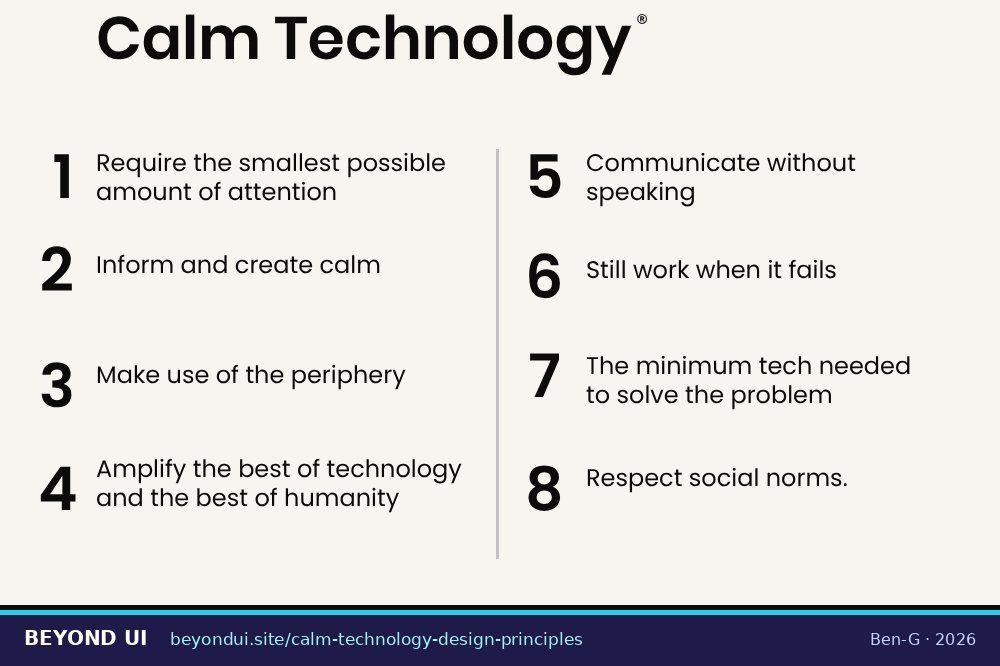
The wording below is Case’s, from calmtech.com. The “in practice” notes are design patterns you can apply today.
| # | Principle (Amber Case) | In practice |
|---|---|---|
| I | Technology should require the smallest possible amount of attention | Instead of an alert, update a status the user can glance at. |
| II | Technology should inform and create calm | Tell people what happened and what, if anything, they need to do. |
| III | Technology should make use of the periphery | Use light, sound or position so information moves to the center only when it matters. |
| IV | Technology should amplify the best of technology and the best of humanity | Let machines remember and calculate; let people decide and judge. |
| V | Technology can communicate, but doesn’t need to speak | A tone, a glow or a vibration often works better than a voice. |
| VI | Technology should work even when it fails | If the network drops, the product should fall back to a useful default. |
| VII | The right amount of technology is the minimum needed to solve the problem | Remove features and sensors that do not serve the core job. |
| VIII | Technology should respect social norms | Introduce new behaviour gradually, especially cameras and microphones. |
Two of Case’s sub-points sum up the spirit. Under principle III: “A calm technology will move easily from the periphery of our attention, to the center, and back.” Under principle IV: “Machines shouldn’t act like humans. Humans shouldn’t act like machines. Amplify the best part of each” (calmtech.com).
312 calm technology examples
1. The Dangling String (1995)
Artist Natalie Jeremijenko’s “Dangling String” was “an 8 foot piece of plastic spaghetti” hanging from a motor in the ceiling at Xerox PARC, connected to the office network. Busy traffic made it whirl; a quiet network made it twitch (Weiser & Brown). Her own title for the work was Live Wire (McCray).
2. The inner office window
Weiser and Brown also pointed to glass windows between offices: you see who is around and whether they look busy, without anyone sending a message (Weiser & Brown).
3. The tea kettle
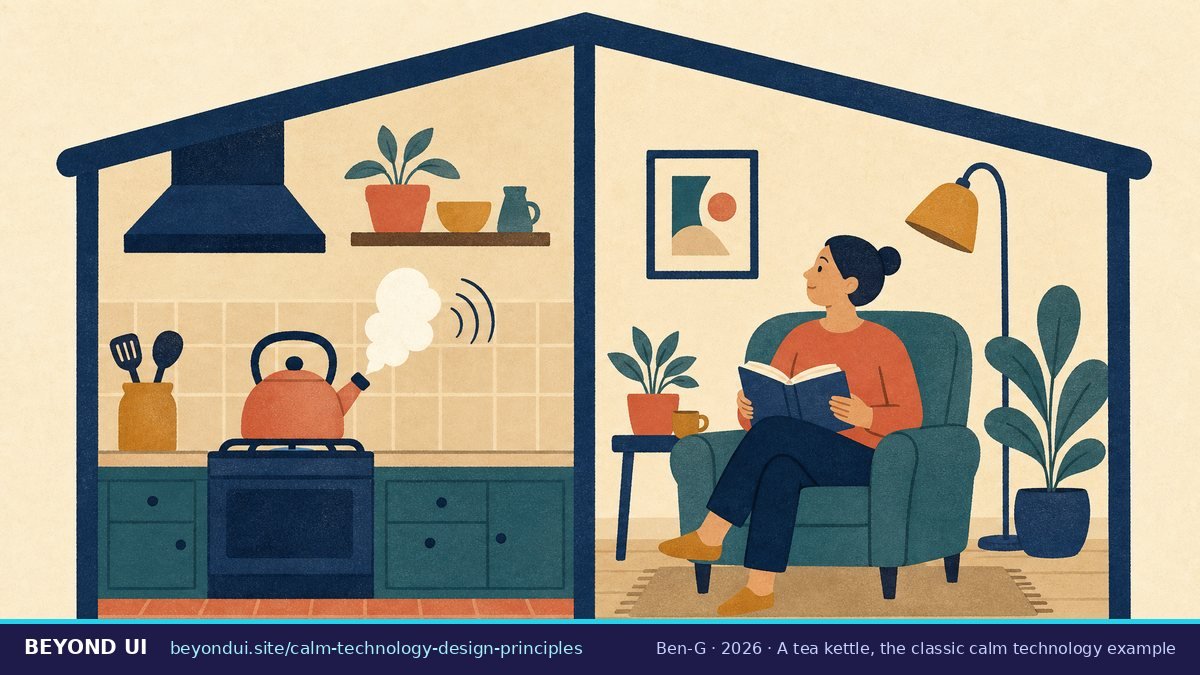
Case’s canonical example: “A tea kettle can be set and forgotten, until it sings. It does not draw constant attention to itself until necessary” (calmtech.com).
4. Roomba status tones
Case cites the Roomba’s short tones, which communicate status without speech or a screen (calmtech.com). The airplane lavatory “occupied” sign is another of her examples.
5. Headphones that pause the music
Case describes it as a calm communication pattern: “when the headphones of an iPhone become disconnected, the music player automatically pauses the music” (calmtech.com).
6. The Ambient Orb (around 2002)
Ambient Devices’ glass orb glowed “deep red when the Dow Jones Industrial Average is headed down, shading to bright green when it is surging,” according to The New York Times in 2003 (NYT via UMass Lowell).
7. Apple Watch taptic alerts (2014)
Apple introduced the Taptic Engine in 2014 to “discreetly enable an entirely new vocabulary of alerts and notifications” (Apple Newsroom). A tap on the wrist is private and peripheral.
8. iOS Focus and notification summary (2021)
iOS 15 added Focus, “filtering notifications based on what a user wants to focus on in that moment,” and a notification summary delivered “at scheduled times determined by the user.” Your Focus status can also tell contacts you are not available (Apple Newsroom).
9. Android Digital Wellbeing (2018)
Android 9 Pie shipped Digital Wellbeing tools in August 2018, including a usage dashboard, app timers and a wind-down mode (BBC).
10. A thermostat you read from across the room
Nest’s Farsight screen shows the time or temperature in large type. On the fourth-generation thermostat it “automatically wakes up” when there is activity about 3 metres away (Google support).
11. Sunrise lights and e-ink
Philips Hue’s wake-up automation “slowly brightens your bedroom over a set interval to mimic sunrise” (Philips Hue). E-ink readers such as Kindle use a paper-like, glare-free screen (Amazon), and Light Phones are “designed to be used as little as possible” (Light).
12. Calm Tech Certified products (2024–2026)
The reMarkable Paper Pro earned Calm Tech certification in December 2024 (reMarkable). The Institute lists the Modos Flow paper-like monitor and Airthings Renew at its top Platinum level (Calm Tech Institute), and in September 2026 certified the Invisible Display, a 7.5-inch e-ink calendar in a wooden frame (Calm Tech Institute).
4What is Calm Tech Certified?
| Metric | Value | Source |
|---|---|---|
| Calm Tech Institute launched | May 21, 2024 | Amber Case |
| Certification program launched | October 2024 | Amber Case |
| Specification size | 81 points | Calm Tech Institute |
| Assessed areas | 6 | Calm Tech Institute |
| Levels | Certified · Gold · Platinum | Calm Tech Institute |
| reMarkable Paper Pro certified | Dec 2024 | reMarkable |
The six areas are attention, periphery, durability (robustness), light, sound and materials (Calm Tech Institute). The certified list changes often, so check the Institute’s page for the current set.
5How much attention do our devices take?
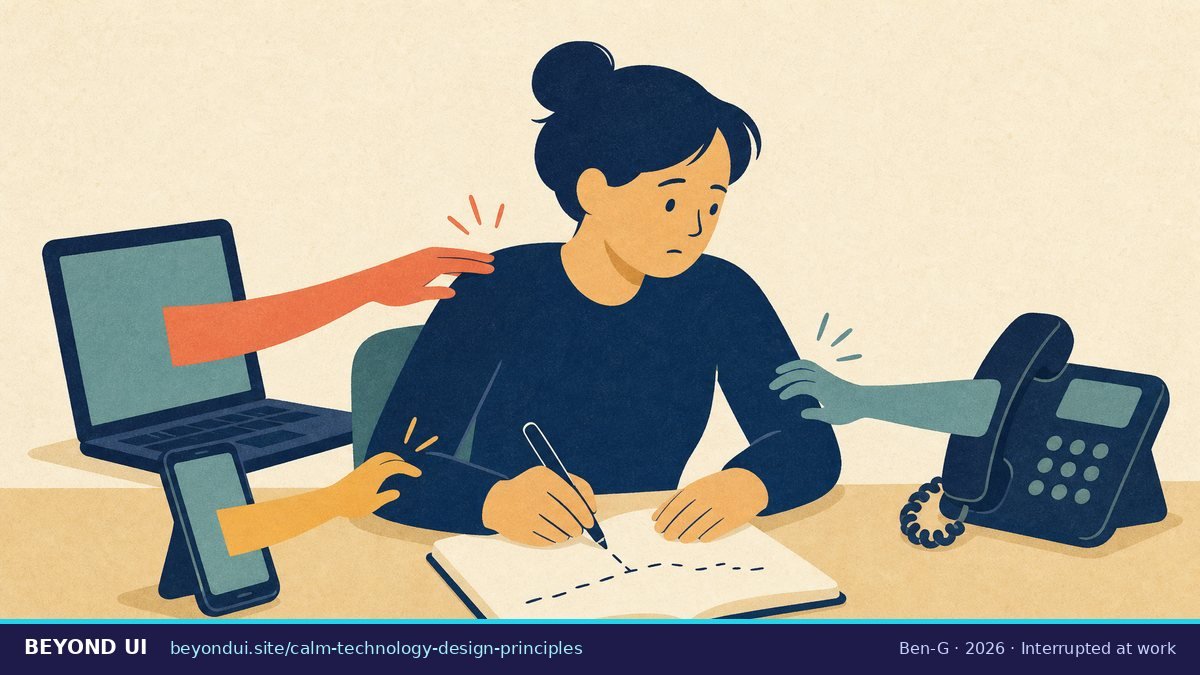
Mark’s lab work adds a twist. In a CHI 2008 study of 48 people, those who were interrupted finished tasks faster “with no difference in quality,” but they paid for it in “more stress, higher frustration, time pressure and effort” (Mark, Gudith & Klocke, CHI 2008). The cost of interruption is less about lost minutes and more about strain.
Email remains a large share of the load. McKinsey estimated in 2012 that interaction workers spend about 28% of the workweek managing email (McKinsey), and Microsoft’s 2025 data puts the average at 117 emails a day (Microsoft).
What people say about notification overload
Reddit’s calm-tech conversations are less about “too much technology” and more about obligations that never end. The top thread in r/digitalminimalism on this theme, with 261 upvotes, is about texting, not apps. Skepticism shows up too: a 2025 thread asked what people think of Calm Tech certification, and reMarkable owners questioned “distraction-free” devices that push cloud upsells.
“Lately, I’ve noticed how draining texting can be. It’s not just the constant notifications, but the unspoken pressure to respond quickly or keep conversations going.”
r/digitalminimalism, December 2024
“Text convos are unbelievably draining! Like an ongoing task that is never accomplished.”
r/digitalminimalism, December 2024
“Without involving features, you can’t say your device is distraction free when it continuously pop up alerts pushing you to subscribe to their cloud system.”
r/RemarkableTablet, December 2025
“I’ve tried deleting apps, but I always end up reinstalling them.”
r/nosurf, July 2025
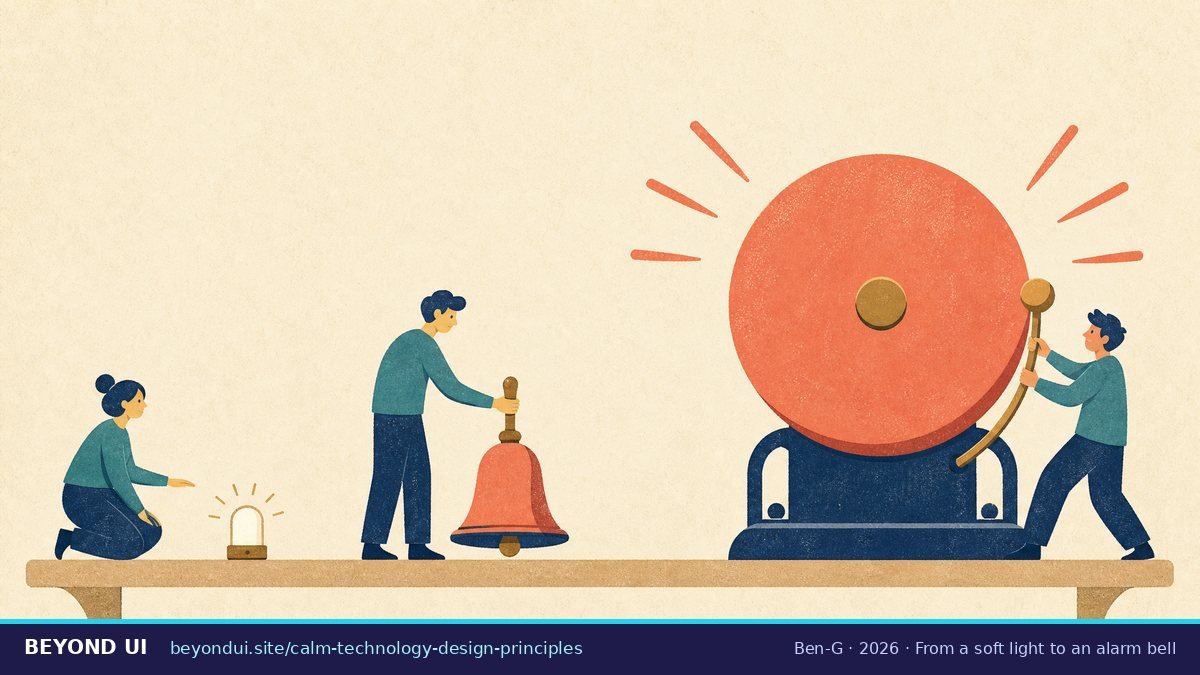
6How do you design calm notifications?
| Level (Apple) | Use it for | Calm alternative |
|---|---|---|
| Passive | Information the user can read later | Deliver in the notification summary |
| Active | The default for relevant updates | Batch similar updates into one |
| Time Sensitive | Something that needs action now, for the user | Never for marketing |
| Critical | Health, safety and security emergencies | Reserve for real emergencies only |
Rules also push in this direction. Article 25 of the EU Digital Services Act says platforms “shall not design, organise or operate their online interfaces in a way that deceives or manipulates” users (DSA Art. 25). The UK’s children’s code has a standard on nudge techniques (ICO).
Calm copy: instead of, use
| Instead of | Use |
|---|---|
| “Are you sure you want to delete this?” on every delete | Delete immediately and offer “Undo” for a few seconds |
| “URGENT: Your password expires soon!” | “Your password expires in 7 days. Change it now or later.” |
| A pop-up for every new message | A badge or a quiet summary at a time the user chooses |
| “Device offline!” alarm | “Offline since 9:14. Still running your last schedule.” |
7Calm technology audit: score your product
8Common calm design mistakes
- Minimal is not calm. Removing information can force people to open the app to check status, which costs more attention.
- Calm must not become invisible. If something important changes, it has to reach the center of attention. The kettle still whistles.
- Escalation abuse. Using alerts or Time Sensitive notifications for promotions trains people to ignore all of them.
- No offline mode. Principle VI: the product should keep working, or fail in a predictable way, without a connection.
- Tiny targets. Calm also means easy to use: Apple’s default touch target is 44 × 44 pt (Apple HIG), and WCAG 2.2 sets a 24 × 24 CSS pixel minimum (W3C).
Frequently asked questions
Who invented calm technology?
Mark Weiser and John Seely Brown of Xerox PARC described calm technology in “Designing Calm Technology,” dated December 21, 1995. Amber Case later wrote the eight principles used today. Sources: calmtech.com, O’Reilly.
What are the 8 principles of calm technology?
Require the smallest possible amount of attention; inform and create calm; make use of the periphery; amplify the best of technology and humanity; communicate without needing to speak; work even when it fails; use the minimum technology needed; and respect social norms. Source: calmtech.com.
What is an example of calm technology?
A tea kettle that only whistles when the water boils is the classic example. Modern ones include Apple Watch taptic alerts, iOS Focus and notification summaries, e-ink devices, and Calm Tech Certified products such as the reMarkable Paper Pro. Sources: calmtech.com, reMarkable.
What is the difference between calm technology and ambient computing?
Calm technology is about how much attention a technology asks for. Ambient computing is about technology spread through rooms, cars and cities that acts on context. Ambient systems can be calm or very intrusive.
Is our attention span really 8 seconds?
What is Calm Tech Certified?
A certification by the Calm Tech Institute that scores products on an 81-point specification across attention, periphery, durability, light, sound and materials, with Certified, Gold and Platinum levels. Source: Calm Tech Institute.
About this guide
This guide quotes the original Xerox PARC papers and Amber Case’s published principles directly, and links every statistic to its original study, with sample sizes where they matter. Several widely shared attention statistics were checked and corrected or excluded.
- Sources: 40 linked sources
- Data range: 1991 – September 2026
- Last verified: October 6, 2026
AI assistance was used for research and drafting; all facts were checked against the linked sources.
Sources
- calmtech.com. “Calm Technology.” calmtech.com/papers/designing-calm-technology.html. Accessed Oct 6, 2026.
- apa.org. “APA.” apa.org/news/podcasts/speaking-of-psychology…. Accessed Oct 6, 2026.
- gloriamark.com. “Attention Span.” gloriamark.com/attention-span/. Accessed Oct 6, 2026.
- calmtech.com. “Calm Technology.” calmtech.com/. Accessed Oct 6, 2026.
- calmtech.institute. “PRINCIPLES | Calm Tech Institute.” calmtech.institute/calm-tech-principles. Accessed Oct 6, 2026.
- calmtech.institute. “Calm Tech Institute | product certification.” calmtech.institute/. Accessed Oct 6, 2026.
- microsoft.com. “Microsoft, 2025.” microsoft.com/en-us/worklab/work-trend-index/break…. Accessed Oct 6, 2026.
- news.gallup.com. “Too Many Interruptions at Work?.” news.gallup.com/businessjournal/23146/too-many-inter…. Accessed Oct 6, 2026.
- bbc.com. “Busting the attention span myth – BBC News.” bbc.com/news/health-38896790. Accessed Oct 6, 2026.
- oreilly.com. “Amber Case, O’Reilly, 2015.” oreilly.com/library/view/calm-technology/9781491…. Accessed Oct 6, 2026.
- scientificamerican.com. “The Computer for the 21st Century | Scientific American.” scientificamerican.com/article/the-computer-for-the-21st-ce…. Accessed Oct 6, 2026.
- link.springer.com. “The Coming Age of Calm Technology | Springer Nature Link.” link.springer.com/chapter/10.1007/978-1-4612-0685-9_6. Accessed Oct 6, 2026.
- calmtech.com. “Calm Technology.” calmtech.com/papers/coming-age-calm-technology. Accessed Oct 6, 2026.
- commons.princeton.edu. “McCray.” commons.princeton.edu/eng574-s23/wp-content/uploads/sites/…. Accessed Oct 6, 2026.
- cs.uml.edu. “NYT via UMass Lowell.” cs.uml.edu/~fredm/courses/91.548-spr04/papers/a…. Accessed Oct 6, 2026.
- apple.com. “Apple Unveils Apple Watch—Apple’s Most Personal Device Ever – Apple.” apple.com/newsroom/2014/09/09Apple-Unveils-App…. Accessed Oct 6, 2026.
- apple.com. “iOS 15 is available today – Apple.” apple.com/newsroom/2021/09/ios-15-is-available…. Accessed Oct 6, 2026.
- bbc.com. “Android Pie: Google adds Digital Wellbeing controls.” bbc.com/news/technology-45083364. Accessed Oct 6, 2026.
- support.google.com. “Customise Farsight display on your Nest Learning Thermostat (4th gen) – Google Home and Nest Help.” support.google.com/googlehome/answer/16633204. Accessed Oct 6, 2026.
- philips-hue.com. “Gentle wake up light ideas | Philips Hue.” philips-hue.com/en-us/explore-hue/blog/wake-up. Accessed Oct 6, 2026.
- amazon.com. “Amazon.com: Kindle, 6″ E Ink Display, Wi-Fi (Previous Generation – 5th) : Amazon Devices & Accessories.” amazon.com/clp/B007HCCOIA. Accessed Oct 6, 2026.
- thelightphone.com. “The Light Phone.” thelightphone.com/. Accessed Oct 6, 2026.
- remarkable.com. “reMarkable Paper Pro earns ‘Calm Tech’ certification | reMarkable.” remarkable.com/blog/remarkable-paper-pro-earns-calm…. Accessed Oct 6, 2026.
- calmtech.institute. “CERTIFIED PRODUCTS | Calm Tech Institute.” calmtech.institute/calm-tech-certified-products. Accessed Oct 6, 2026.
- calmtech.institute. “The Invisible Display: E-Paper Calendar and Smart Screen from Invisible Computer is Calm Tech Certified®.” calmtech.institute/post/invisible-computer-is-calm-tech…. Accessed Oct 6, 2026.
- caseorganic.medium.com. “Amber Case.” caseorganic.medium.com/designing-tech-that-finally-respects…. Accessed Oct 6, 2026.
- caseorganic.com. “Calm Technology evolves with inspiration from the 1000-year-old capital — Amber Case.” caseorganic.com/post/calm-technology-evolves-with-in…. Accessed Oct 6, 2026.
- pielot.org. “Pielot et al., MobileHCI 2014.” pielot.org/pubs/Pielot2014-MobileHCI-Notificati…. Accessed Oct 6, 2026.
- commonsensemedia.org. “Teens Are Bombarded with Hundreds of Notifications a Day on Their Smartphones, New Report Reveals | Common Sense Media.” commonsensemedia.org/press-releases/teens-are-bombarded-w…. Accessed Oct 6, 2026.
- ics.uci.edu. “Mark, Gudith & Klocke, CHI 2008.” ics.uci.edu/~gmark/chi08-mark.pdf. Accessed Oct 6, 2026.
- mckinsey.com. “McKinsey.” mckinsey.com/industries/technology-media-and-tele…. Accessed Oct 6, 2026.
- Reddit. “r/digitalminimalism: Too much stimulation from texting…” reddit.com/r/digitalminimalism/comments/1had45k…. Accessed Oct 6, 2026.
- Reddit. “r/digitalminimalism: What are your thoughts on calm tech certification…” reddit.com/r/digitalminimalism/comments/1ihnm43…. Accessed Oct 6, 2026.
- Reddit. “r/RemarkableTablet: Distraction free i get it…” reddit.com/r/RemarkableTablet/comments/1pmt6gx/…. Accessed Oct 6, 2026.
- Reddit. “r/nosurf: Has anyone actually beat social media addiction…” reddit.com/r/nosurf/comments/1m5eajj/has_anyone…. Accessed Oct 6, 2026.
- developer.apple.com. “Managing notifications | Apple Developer Documentation.” developer.apple.com/design/human-interface-guidelines/ma…. Accessed Oct 6, 2026.
- eu-digital-services-act.com. “Article 25, the Digital Services Act (DSA).” eu-digital-services-act.com/Digital_Services_Act_Article_25.html. Accessed Oct 6, 2026.
- ico.org.uk. “13. Nudge techniques | ICO.” ico.org.uk/for-organisations/uk-gdpr-guidance-a…. Accessed Oct 6, 2026.
- developer.apple.com. “Accessibility | Apple Developer Documentation.” developer.apple.com/design/human-interface-guidelines/ac…. Accessed Oct 6, 2026.
- w3.org. “Understanding Success Criterion 2.5.8: Target Size (Minimum) | WAI | W3C.” w3.org/WAI/WCAG22/Understanding/target-size…. Accessed Oct 6, 2026.