What is
Beyond UI?
The Complete Guide to Post-Interface Design
Tech is about to stop shouting at you — and start whispering.
Latest guides
Practical, sourced guides on what happens behind and beyond the screen.
 AI App BackendsLovable Cloud vs Supabase (2026)Where your app data lives, what each option costs and how to move it without breaking logins.
 Post-Screen InterfacesZero UI Design Examples (2026)12 real screenless interfaces, from Alexa+ to double tap, and the four ways they fail.
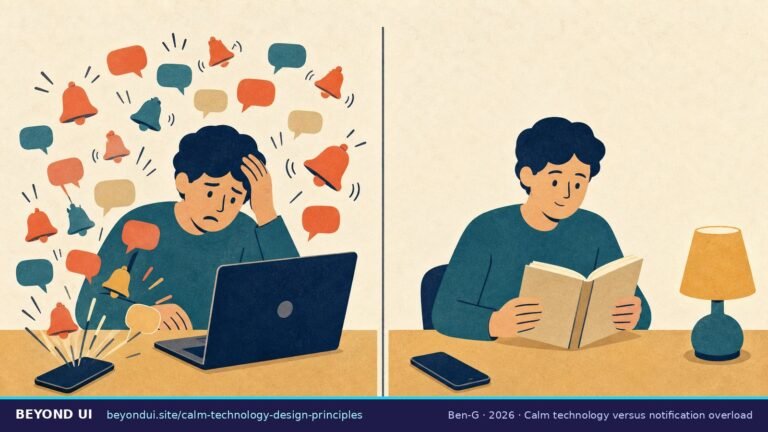 Invisible Design PrinciplesCalm Technology: 8 Principles, 12 ExamplesThe rules behind technology that informs without demanding attention, plus a free product audit.
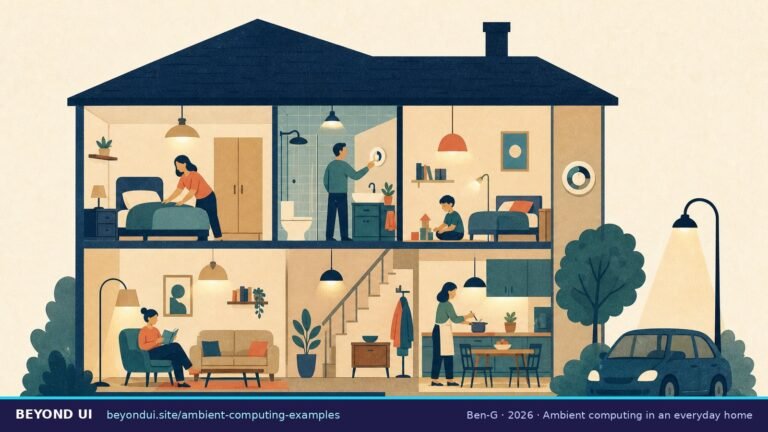 Beyond UI TechnologiesAmbient Computing Examples (2026)12 real uses, from AI scribes to smart traffic lights, rated by the strength of their evidence.
The Screen That Never
Shuts Up
Microsoft found that employees are interrupted every two minutes during core work hours by meetings, emails or chats (Work Trend Index, 2025).
Right now, using technology means doing work you didn’t ask for. You want to listen to a song — so you unlock your phone, tap an app, search for the song, wait for it to load, then tap play. That’s five steps just to hear music.
Think of it like a restaurant with a waiter who never lets you rest. Every few minutes he appears: “Did you see the specials? Can I top up your water? Here’s a new menu.” Even when you just want to eat in peace.
That waiter is the user interface (UI) — the buttons, menus, and screens between you and what you actually want. Every app grabs your eyes and holds them. The result? We’re exhausted by our own tools.
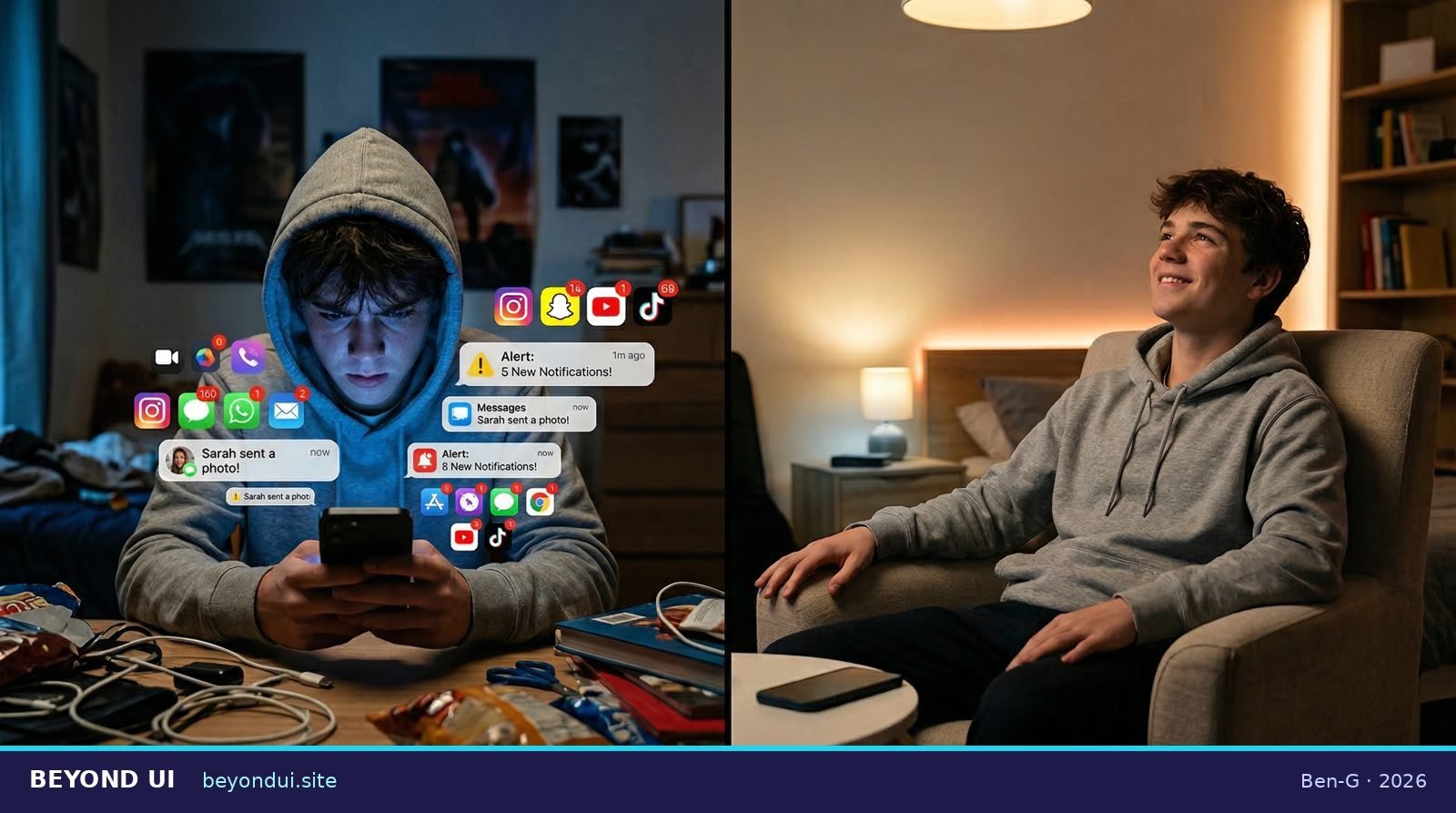
Left: screens demanding attention all day. Right: calm ambient technology doing the same job — quietly.
“The most profound technologies are those that disappear. They weave themselves into the fabric of everyday life until they are indistinguishable from it.”
— Mark Weiser, “The Computer for the 21st Century”, Scientific American (1991)
What Is
“Beyond UI”?
What if tech could help you without constantly demanding your full attention?
Post-interface design (also called “Beyond UI”) is about making technology feel like a helpful background teammate rather than a needy boss. Instead of forcing you to look at a screen, the world around you becomes smart enough to give hints in gentler ways — through light, sound, a tiny buzz on your wrist, or just quietly doing the thing you wanted.
The seed of this idea was planted in 1995 by two researchers at Xerox PARC, Mark Weiser and John Seely Brown. They called it “calm technology.”
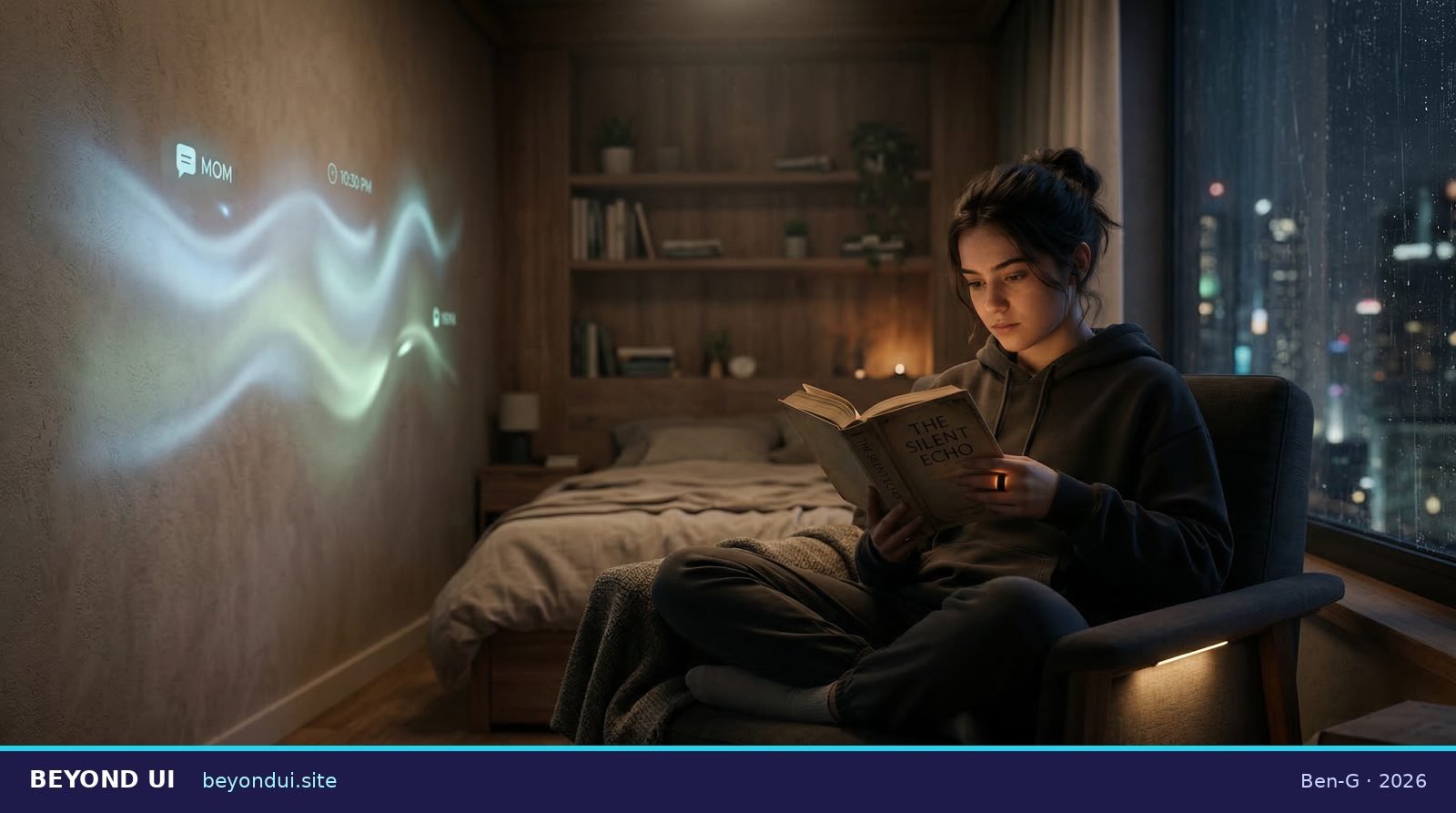
A bedroom where technology is invisible — but still helpful. No screens required.
“What matters is not technology itself, but its relationship to us.”
— Mark Weiser & John Seely Brown, “The Coming Age of Calm Technology” (1995)
Weiser and Brown talked about the difference between things at the center of your attention and things at the edge of your awareness — like rain sounds outside a window. You know it’s raining, but you don’t have to think about it. Good calm technology lives at the edge — it informs without demanding.
See it happen: screens fade, the room itself takes over.
How It Feels:
4 Real Scenarios
Forget abstract definitions. Here’s what “Beyond UI” actually looks and feels like in everyday life.
It’s 11pm. Your lamp slowly shifts warmer to signal it’s time to wind down. No alarm. No pop-up. Just a gentle light change — like a hint from a friend. The room adjusts, not you.
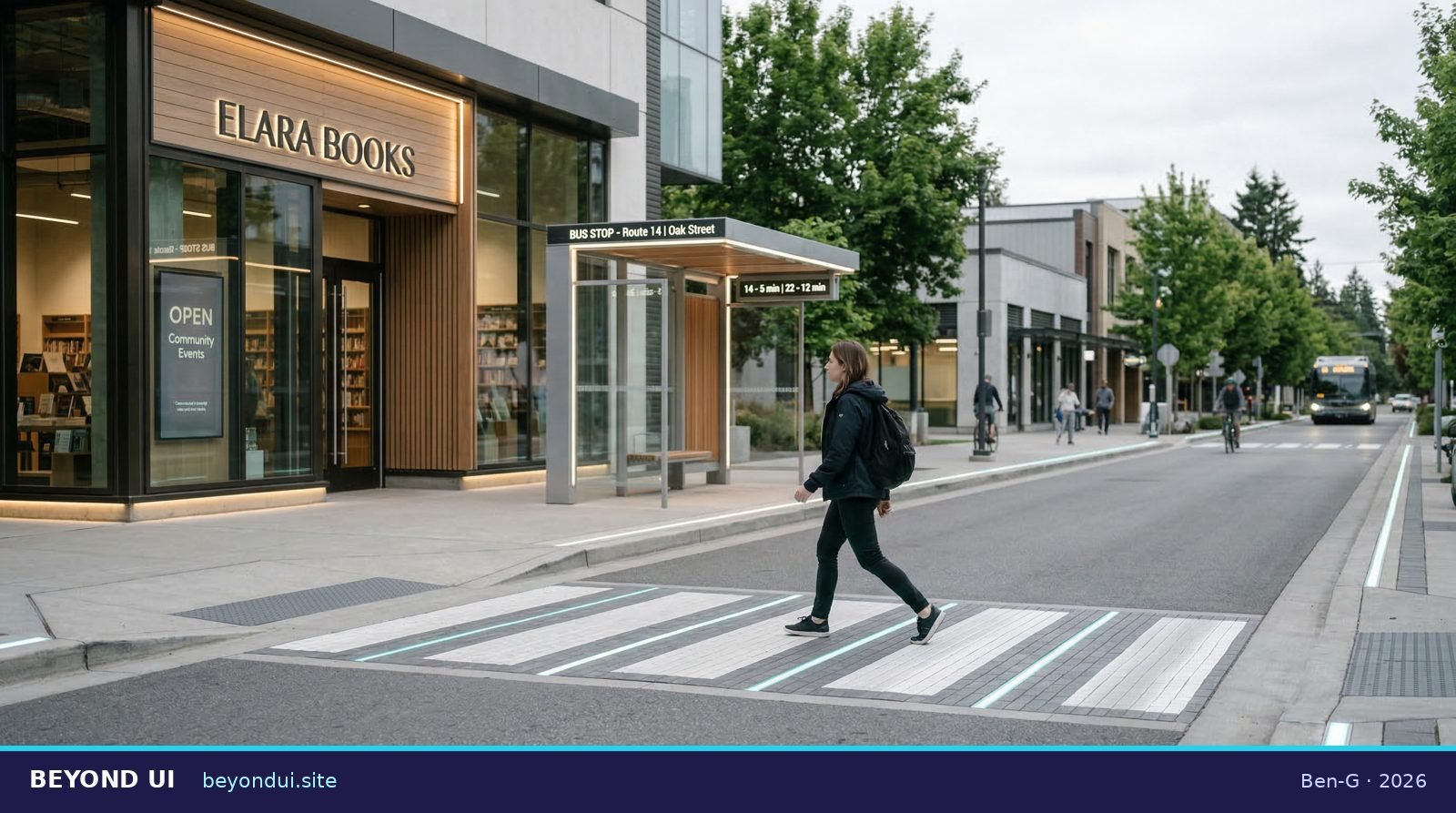
You feel a tiny buzz on your left wrist: turn left. The pavement subtly lights up ahead. No screen needed — the environment leads the way.
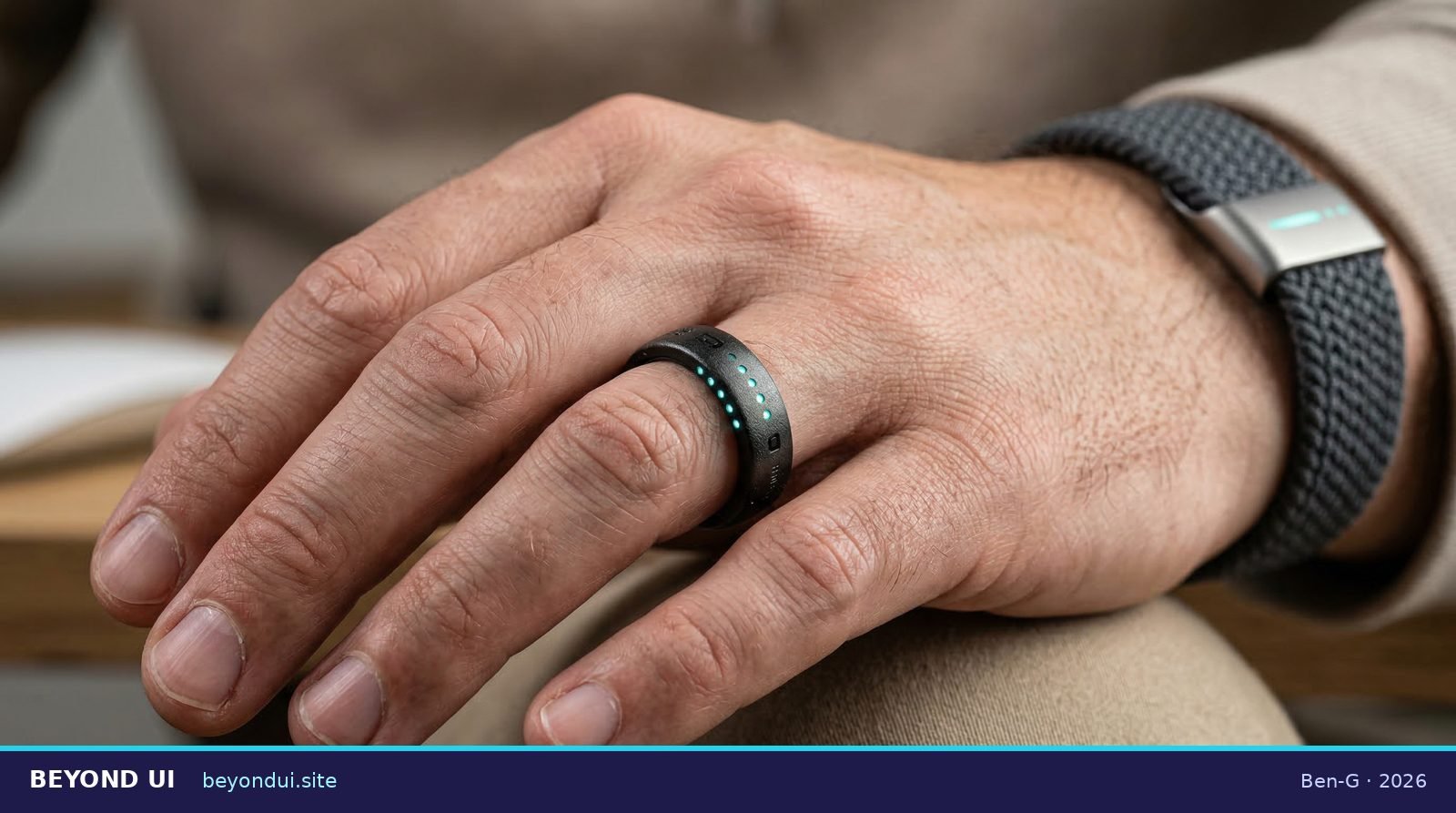
A smart ring pulses gently when a friend messages you. Your wristband shows a tiny colored glow for your schedule. Same info, zero screen time.

The hood light shifts from blue to orange as your pasta timer counts down. A glow on the counter highlights your next ingredient. The kitchen teaches without interrupting.
The Tech Behind
the Magic
Three real building blocks make “Beyond UI” possible — and all three exist in some form today.
Tiny sensors in walls and objects collect data. Combined with AI, they help your environment notice and respond to your needs.
Real today: Nest thermostats, Apple AirPods that pause when you remove one.
Using your senses instead of a screen: voice, touch, gestures, and even objects that physically change shape to show information. MIT’s Tangible Media Group builds this today.
Real today: Google’s Soli radar (Pixel 4, Nest Hub), Apple Watch haptics.
What if apps lived in the room instead of a screen? Apple Vision Pro lets you interact with 3D digital objects using eyes, hands, and voice. A stepping stone toward fully screenless interaction.
Real today: Apple Vision Pro, Meta Quest. Microsoft has ended HoloLens 2.
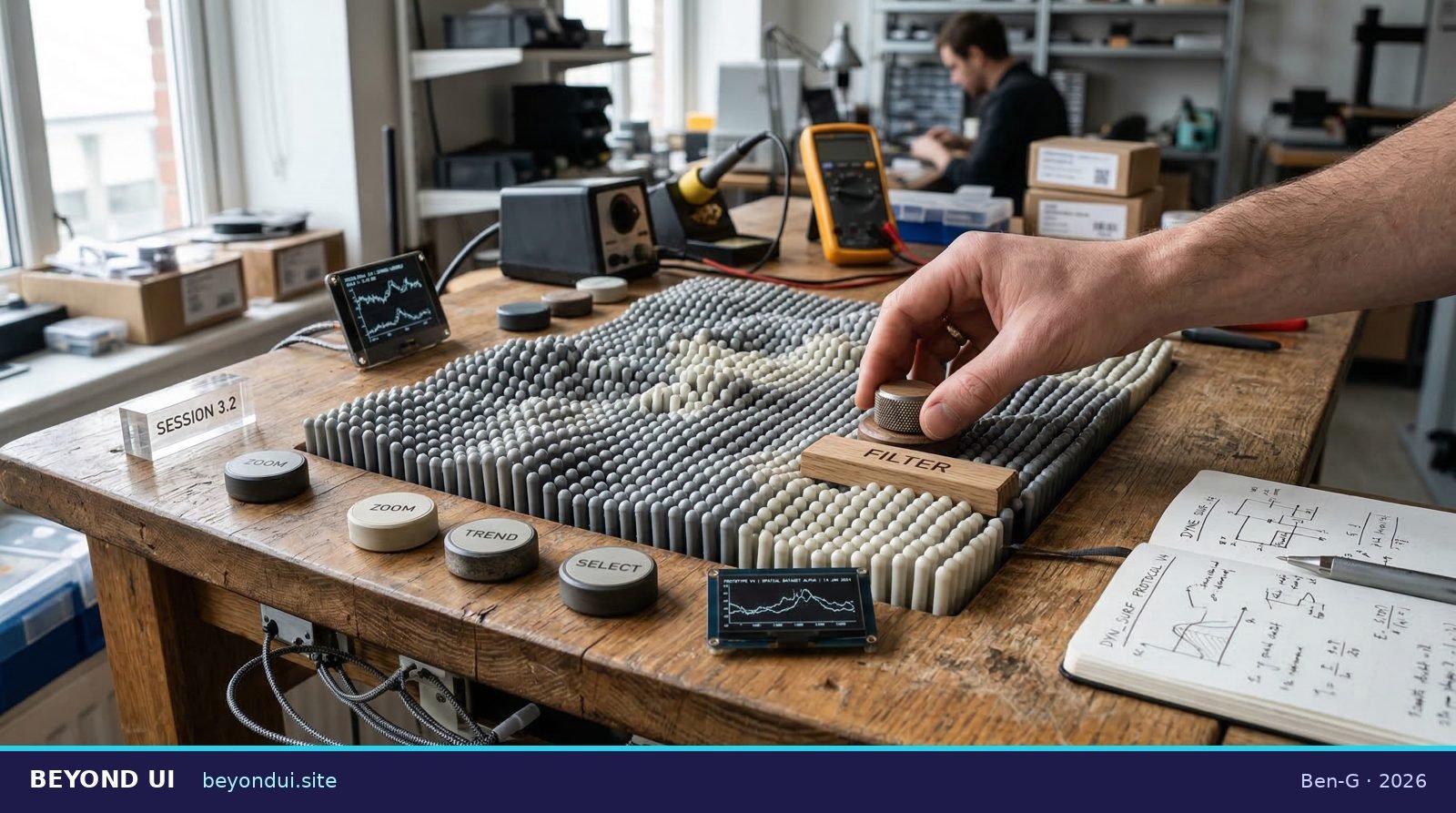
MIT’s Tangible Media Group builds desks that physically change shape to show data — no screen needed.
Dr. Mira’s Class
from the Future
We sent a microphone ten years forward. Dr. Mira — a friendly design teacher from 2036 — explains everything.
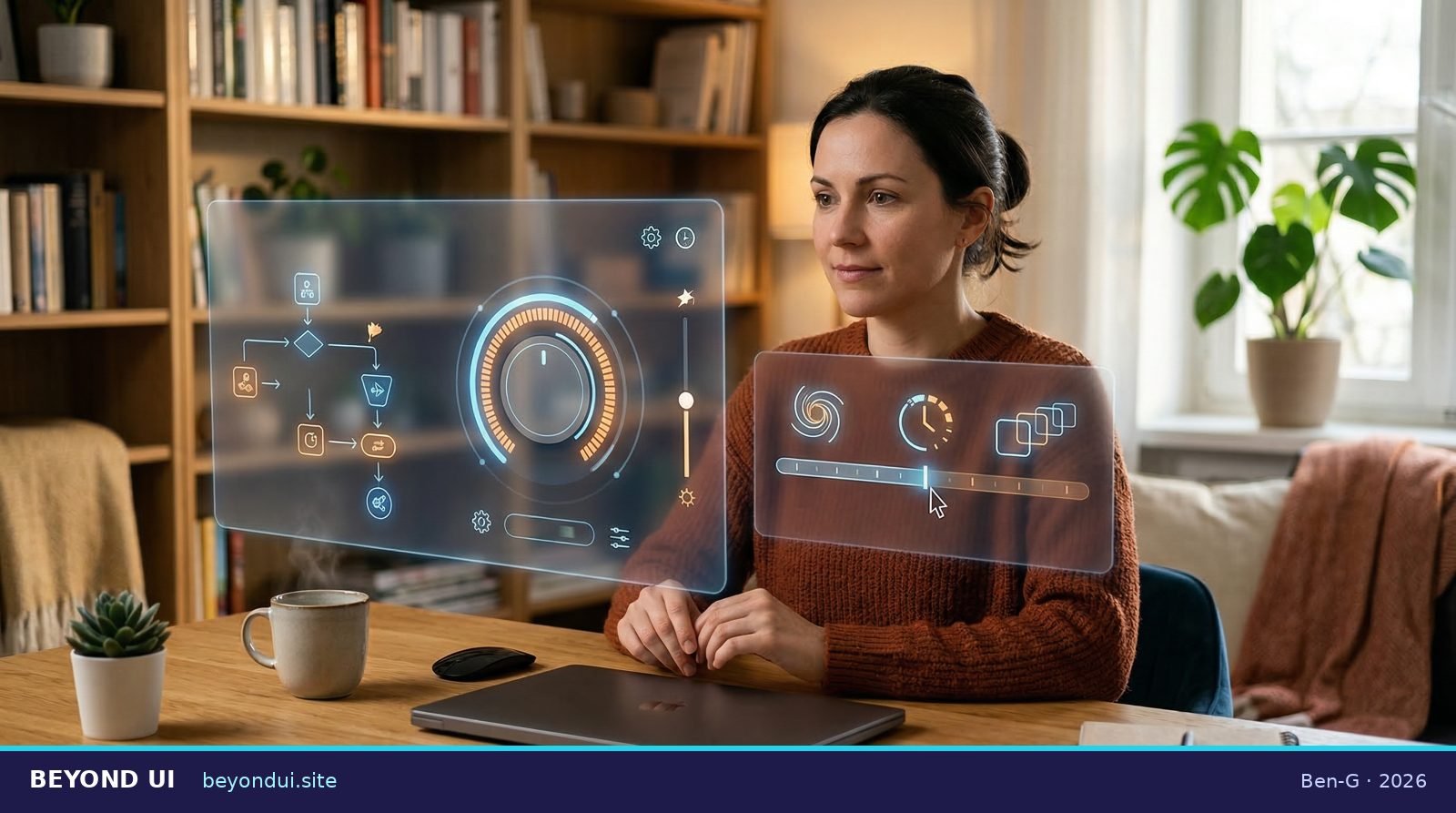
“Beyond UI isn’t about making tech disappear like magic. It’s about making tech feel like a helpful background teammate — quiet, respectful, and easy to control.”
Dr. Mira
Design Teacher · Class of 2036 (speculative)
Dr. Mira explains everything in plain English — perfect for any age. ~2 minutes 13 seconds.
Note: Dr. Mira is a speculative character. Her ideas are based on real research from Weiser (1991), MIT Media Lab, and Smashing Magazine (2026).
The Trust Question
What happens when a computer starts doing things for you — without you pressing a button?
Imagine your AI helper notices you’re running late. It says: “Want me to message your friend and push the time back 20 minutes?” That’s helpful! But what if it just… did it without asking? That could be a problem.
This is why trust controls are crucial. A February 2026 Smashing Magazine guide by Victor Yocco describes patterns that keep humans in charge, including these three:
Before acting, the system shows a quick preview: “I’m about to book a taxi. OK?” You say yes, no, or edit.
(“Intent Preview”)
You decide how independent your AI helper is: “Just suggest” vs. “Do it for me.” Like a volume knob for autonomy.
(“Autonomy Dial”)
A full log of every action taken for you, with one “undo” button. No one ever gets locked out of their own life.
(“Action Audit & Undo”)
Preview the plan, dial your comfort level, undo anything.
From Buttons
to Background
This shift didn’t happen overnight. Here’s the journey from the first GUI to an ambient future.
Apple launched the Macintosh with windows, icons, and a mouse. For the first time, millions could use a computer without knowing code. This started our 40-year love affair with screens.
Weiser predicted computers would disappear into our environment — invisible yet helpful, like electricity you use without thinking about it.
Good technology lives at the edge of your attention. It informs without constantly shouting “LOOK AT ME!” Still one of the most cited papers in interface design.
The iPhone put a distraction machine in every pocket. Brilliant for its time — but it ironically made the case for post-interface design even stronger.
An interface that lives in your physical space, controlled by eyes, hands, and voice. A major stepping stone toward post-interface reality.
Smashing Magazine published patterns for AI that acts for you. Trust became a design problem: intent previews, autonomy dials, and undo logs.
Homes, cities, and workplaces are embedded with sensors and AI. Most everyday tasks happen through ambient cues, not screen apps. The smartphone is no longer the primary interface. This is the horizon this article points toward.
What This Means
for You
You don’t need to wait for the future. Pieces of it are already here.
- Try voice commands instead of tapping your phone — for one hour.
- Notice how smart home devices (lights, thermostat, speakers) already behave like calm tech.
- Think about which apps demand the most of your attention. Are they worth it?
- When a new app wants your attention, ask: “Could this work quietly in the background?”
“If we do it right, you’ll spend less time managing devices… and more time being present in your life.”
— Dr. Mira, speculative future design teacher
Sources & Real Foundations
Every big idea here is rooted in real research:
Media credits: All images, audio, and videos were generated using AI tools as part of a speculative storytelling exercise. “Dr. Mira” is a fictional character. Future scenarios are speculative, grounded in real research.