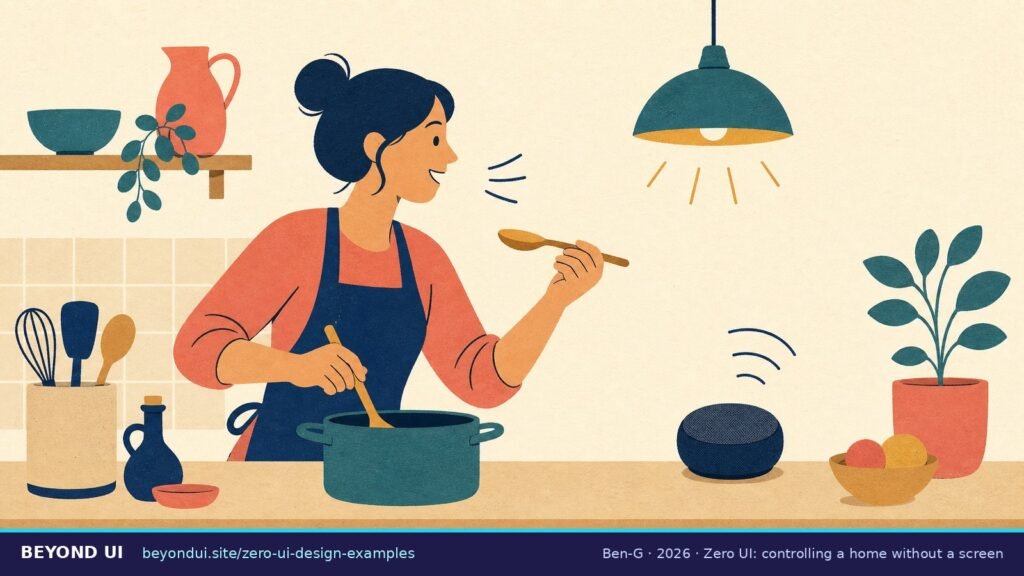
Term popularised by Andy Goodman (Fjord): Fast Company, 2015
Zero UI examples are products you use without tapping through a screen: you talk, gesture, glance, or simply walk in, and the system responds. In 2026 the clearest zero UI design examples are voice assistants, learning thermostats, earbuds that pause themselves, watch and head gestures, eye-and-hand input on headsets, car voice controls and face unlock. Some famous ones have already been retired.
Key takeaways
- → Zero UI was popularised in 2015 by Andy Goodman of Fjord as a move away from touchscreens toward haptics, computer vision, voice and AI. (Fast Company)
- → 39% of Americans aged 12+ own a smart speaker, an estimated 112 million people. (Edison Research, 2026)
- → Voice assistants were rebuilt on generative AI: Alexa+ launched in 2025 and Gemini is replacing Google Assistant on Nest speakers and Android phones. (Amazon, Google)
- → Screenless does not mean flawless: smart speakers woke up by mistake up to 19 times a day in a lab test. (Northeastern University)
- → Several flagship zero UI products ended: Pixel’s radar gestures, HoloLens 2 and Amazon’s Go and Fresh stores. (Microsoft, Amazon)
- → Face ID’s false-match rate is under 1 in 1,000,000, but NIST found face recognition errors vary strongly by demographic group. (Apple, NIST)
1What is zero UI?
The idea is older than the name. In December 1995, Xerox PARC researchers Mark Weiser and John Seely Brown described “calm technology” that moves between the center and the periphery of our attention (Weiser & Brown, 1995). In 2015, the same year as Goodman’s interview, Golden Krishna published The Best Interface Is No Interface (New Riders). Google later framed its hardware strategy as “ambient computing” (Google, 2019).
These ideas overlap, and you can read more on each: calm technology is about how much attention a product asks for, and ambient computing is about technology spread through rooms, cars and cities. Zero UI is the interface question in between: how do you interact when there is little or nothing to look at? It is the same theme this site is named after: what happens beyond the UI.
212 zero UI design examples
1. Voice assistants rebuilt on generative AI (Alexa+, Gemini, Siri)
Amazon announced Alexa+ on February 26, 2025, and it is now available to all customers in the US and Canada (Amazon). It costs $19.99 a month or is free with Prime (CNBC). Google announced Gemini for Home on October 1, 2025 to replace Assistant on Nest speakers and displays (Google), and, according to 9to5Google, began removing Assistant from Android phones on September 4, 2026 (9to5Google). Apple delayed its personalised Siri in March 2025 and announced “Siri AI” at WWDC in June 2026 (Apple).
Lesson: voice is the most mature zero UI channel, but the assistant behind it changes. Design for a capability, not for one assistant.
2. The learning thermostat
Google’s fourth-generation Nest Learning Thermostat was announced on August 6, 2024 at $279.99. Its Smart Schedule learns from your adjustments and from motion (Google). The cheaper Nest Thermostat is a different product: Google’s help page says it “doesn’t use Auto-Schedule” (Google support). Amazon’s Alexa Hunches work in a similar way across a smart home, acting when Alexa guesses that everyone is away or asleep (Amazon).
Lesson: the best zero UI is often “no interaction at all”, but only when the product behind the name really does the learning.
3. Earbuds that pause themselves
With automatic ear detection on AirPods, taking one earbud out pauses playback and taking both out stops it (Apple support). There is no button and no screen: the action is the interface.
Lesson: map a natural action (removing an earbud) to the obvious outcome (pause). No learning curve, nothing to remember.
4. Nod to answer, shake to decline (AirPods)
Apple announced Siri Interactions for AirPods on June 10, 2024: nod your head to accept a call or reply, shake it to decline (Apple Newsroom). It works in places where talking out loud is awkward.
Lesson: borrow gestures people already use with other people. A nod needs no tutorial.
5. Double tap on Apple Watch
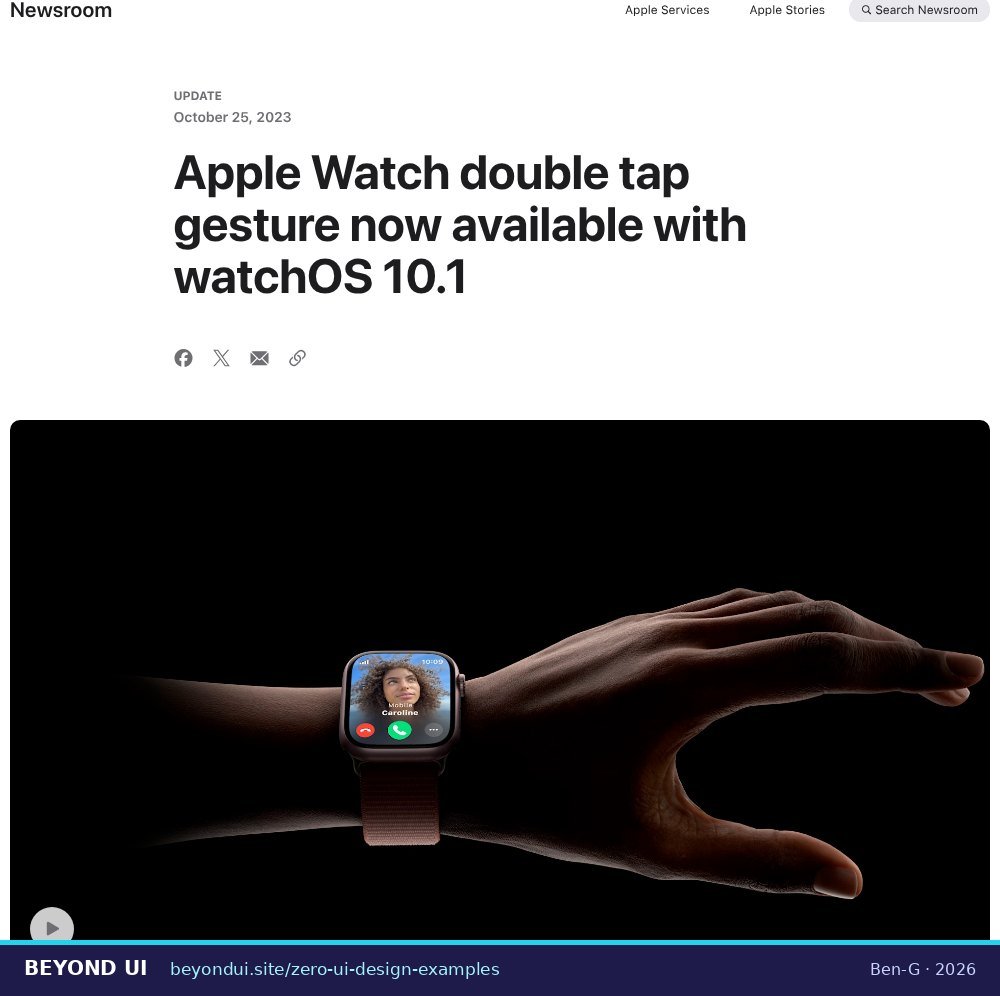
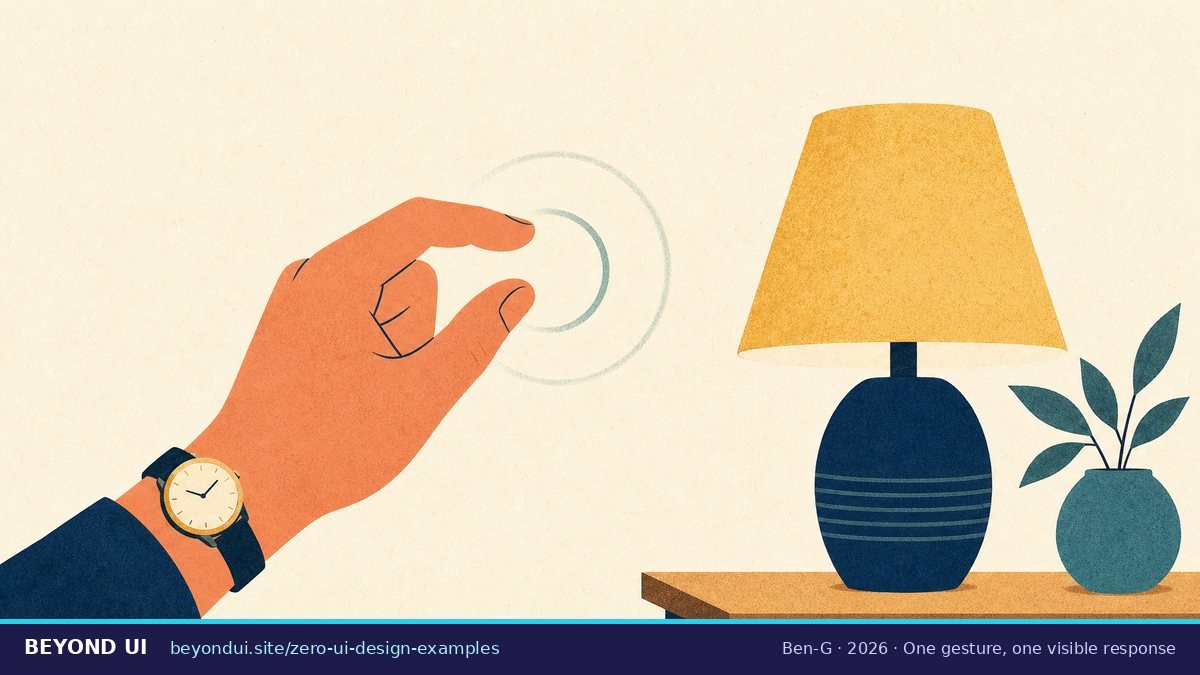
Double tap lets you answer, stop timers or scroll by tapping your index finger and thumb together twice. It arrived with watchOS 10.1 in October 2023 for Series 9 and Ultra 2 (Apple Newsroom).
Lesson: one well-chosen gesture that does “the main thing” beats a gesture vocabulary nobody memorises.
6. Eyes and hands as the pointer (Vision Pro, Meta Quest)
Apple Vision Pro went on sale in the US on February 2, 2024, controlled by eyes, hands and voice (Apple Newsroom). Meta Quest headsets use camera-based hand tracking with point-and-pinch to select (Meta). Microsoft’s HoloLens 2, an early example, ended production in 2024 with no successor (Microsoft Learn).
Lesson: gaze-and-pinch still shows you an interface; it removes the controller, not the UI. That is zero UI as a spectrum.
7. Talking to and waving at your car
Tesla’s manual lists voice commands such as “Navigate home,” “Call [contact]” and “Make it cooler” (Tesla). BMW premiered Gesture Control on the 2016 7 Series, using a 3D sensor for volume and calls (BMW Group). In recent Mercedes models, you wave a hand under the rear-view mirror to switch the reading light (Mercedes-Benz).
Lesson: in a car, eyes belong on the road, which makes voice and simple gestures a safety feature rather than a gimmick.
8. Radar gestures on Pixel 4 (retired)
The Pixel 4 (2019) was the first phone with Google’s Soli radar: wave to skip songs, snooze alarms or silence calls (Google). The Pixel 5, a year later, dropped Soli (The Verge).
Lesson: a clever sensor is not a reason to exist. If a gesture saves less effort than the button it replaces, people stop using it.
9. Face unlock
Apple puts the chance that a random person can unlock your iPhone with Face ID at less than 1 in 1,000,000 (Apple support). Face recognition in general is less even-handed: NIST’s 2019 study found one-to-one false positives 10 to 100 times higher for some demographic groups, depending on the algorithm (NIST).
Lesson: an invisible interface must work equally well for every user, and you only know that if you test it across groups.
10. Just Walk Out shopping (scaled back)
In April 2024 Amazon replaced Just Walk Out in its US Fresh stores with Dash Carts (Amazon). On January 27, 2026 it announced the closure of all Amazon Go and Amazon Fresh stores, while Just Walk Out continues in more than 360 third-party locations (Amazon). How much human review sat behind it is disputed: reports described about 1,000 reviewers in India, while Amazon says it only validates “a small portion” of visits (USA Today).
Lesson: zero UI moves complexity from the screen into infrastructure. If that infrastructure is expensive, the experience may not survive.
11. Replies written before you type (Smart Reply)
Smart Reply came to Gmail on Android and iOS in May 2017, after driving 12% of mobile replies in Google’s Inbox app (Google).
Lesson: prediction is zero UI too. The best interface is the step you no longer have to take, as long as you can still take it yourself.
12. Alerts that come to you (Google Maps)
Google Maps can send traffic-disruption notifications even when you are not using the app (Google Maps help). You never opened anything; the context did the work.
Lesson: proactive alerts are powerful and easy to overdo. Each one spends some of the user’s attention.
3All zero UI examples at a glance
| Example | Input | Year | Status (Oct 2026) |
|---|---|---|---|
| Alexa+ | Voice | 2025 | Shipping |
| Gemini for Home | Voice | 2025 | Early access |
| Nest Learning Thermostat (4th gen) | Presence + learning | 2024 | Shipping |
| AirPods ear detection | Sensor | — | Shipping |
| AirPods head gestures | Head gesture | 2024 | Shipping |
| Apple Watch double tap | Hand gesture | 2023 | Shipping |
| Apple Vision Pro | Gaze + hand | 2024 | Shipping |
| Mercedes MBUX reading-light gesture | Hand gesture | — | Shipping |
| Gmail Smart Reply | Prediction | 2017 | Shipping |
| Pixel 4 Soli radar | Radar gesture | 2019 | Discontinued |
| HoloLens 2 | Gaze + hand | — | Discontinued |
| Amazon Go / Just Walk Out (own stores) | Computer vision | — | Discontinued |
4What zero UI gets wrong
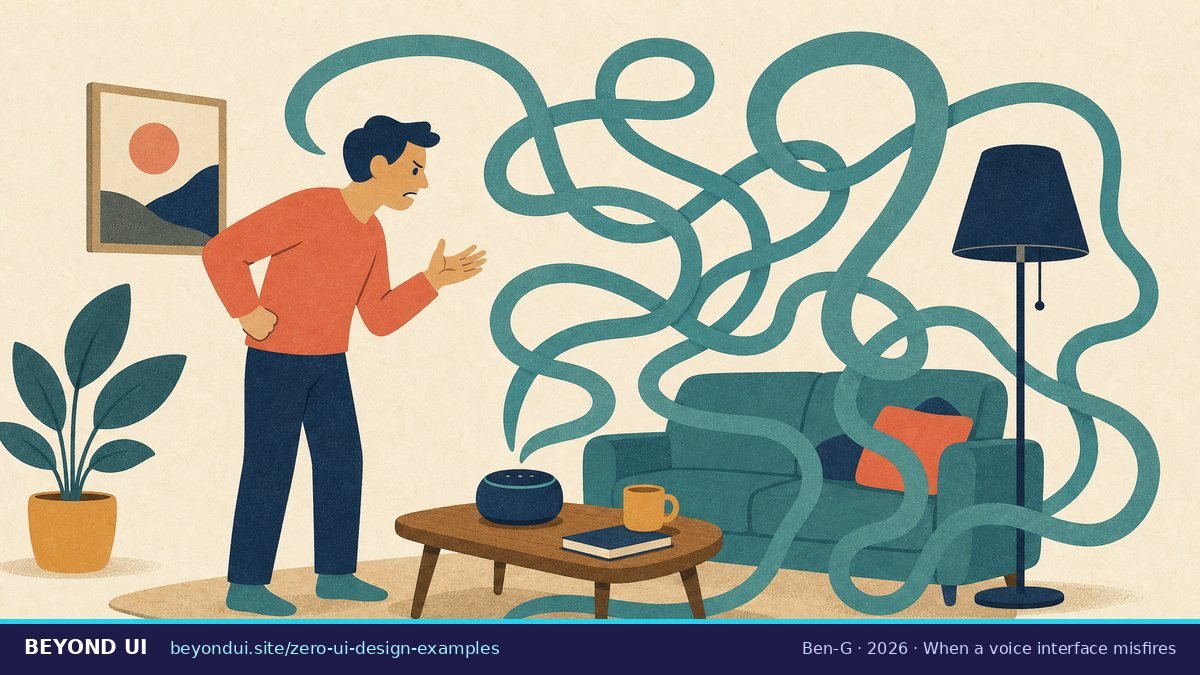
Unwanted listening. In 2023 Amazon agreed to a $25 million civil penalty after the FTC said it kept children’s Alexa voice recordings even after parents asked for deletion (FTC). The physical signals matter: a solid red light on an Echo means the microphone is switched off (Amazon), and on an iPhone an orange dot means the microphone is in use (Apple).
Invisible gestures. Don Norman and Jakob Nielsen warned in 2010 that gestures are invisible, so people cannot discover them, and that accidental activation is common (ACM Interactions). Pixel’s radar gestures are the cautionary tale.
Uneven accuracy. A face or voice that the system does not recognise reliably locks a person out of a product with no buttons. NIST’s demographic findings are why bias testing belongs in the test plan of any biometric interface (NIST).
But also: real access gains. A CHI 2018 study of 346 Amazon Echo reviews and 16 interviews found people with a range of disabilities using voice assistants in their daily lives (Pradhan et al., CHI 2018). The W3C notes that people with physical disabilities, repetitive strain injury and some cognitive disabilities rely on speech input (W3C WAI).
What users say about screenless interfaces
On Reddit, the praise for zero UI is about specific moments, like a hands-free gesture during a swim. The complaints are about reliability. Two of the busiest 2026 threads in r/alexa were about Alexa+ talking too much: “Absolutely Hating Alexa+” (192 upvotes, 116 comments) and “Could Alexa+ be more annoying?” (128 comments). In r/googlehome, a June 2026 thread said voice control of lights “has gotten awful since Gemini.”
“As someone who develops a swimming app for Apple Watch, I would really love more no-touch-required interactions as a regular option for developers/users.”
r/AppleWatch, October 2025
“The last thing I want is the tell my voice assistant I had a rough day and let it decide what to do. Simple commands that are reliable is all that is needed.”
r/smarthome, January 2026
“GenUI, like VUI, is based on a faulty premise that people have a perfect memory and mental model for what they’re trying to do.”
r/UXDesign, April 2026
“I find the ‘dwell to select’ function a bit stressful so I turned it off the best i could.”
r/AppleWatch, October 2025
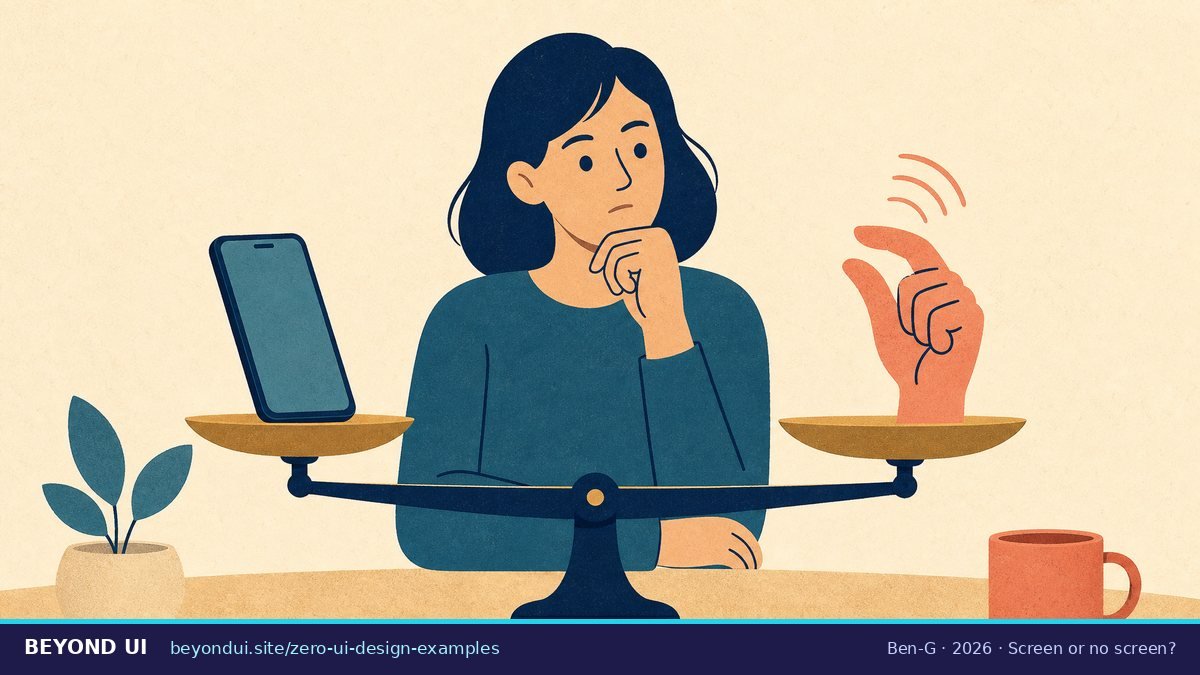
5Fit check: should your feature go screenless?
6Design lessons from the zero UI examples
- Start from a natural action. Removing an earbud or nodding needs no learning (AirPods).
- One main gesture beats a vocabulary. Double tap does the primary action; Pixel’s wave gestures did not save enough effort to stick.
- Show state physically. A red ring for “mic off” or an orange dot for “mic in use” tells users what the invisible system is doing.
- Make automation reviewable. Smart Reply suggests, it does not send. A learning thermostat should be easy to override.
- Test across people. Biometric and voice systems must be tested across ages, accents and skin tones; NIST shows why.
- Keep a screen for the hard parts. Payments, settings and anything with many options still belong on a screen.
- Count the infrastructure cost. Just Walk Out shows that removing a checkout screen can mean adding cameras, models and reviewers.
If you are building an AI app rather than a device, the same thinking applies to the backend you cannot see. Our guide to Lovable Cloud vs Supabase covers that layer.
Frequently asked questions
What is an example of zero UI?
Who coined the term zero UI?
The term was popularised by Andy Goodman of the design consultancy Fjord in 2015, who described it as a move away from touchscreens toward haptics, computer vision, voice control and AI. Source: Fast Company.
Is zero UI the same as ambient computing?
They overlap. Zero UI describes how you interact without a screen. Ambient computing describes technology spread through your environment that acts on context. Google used “ambient computing” for its device strategy in 2019. Source: Google.
Is zero UI the same as calm technology?
No. Calm technology, described by Weiser and Brown in 1995, is about how much attention a technology demands. A zero UI product can still be noisy, and a screen can still be calm. Source: Weiser & Brown.
Is Amazon Go still an example of zero UI?
Only partly. Amazon announced in January 2026 that it is closing all Amazon Go and Fresh stores, but its Just Walk Out technology continues in more than 360 third-party locations. Source: Amazon.
How many people use voice assistants?
In January 2026, 39% of Americans aged 12 and older owned a smart speaker, an estimated 112 million people, according to Edison Research. Source: The Infinite Dial 2026.
What are the main risks of zero UI?
Accidental activations, unexpected data collection, undiscoverable gestures and uneven accuracy across users. Documented cases include smart speakers waking up to 19 times a day in a lab test and a $25 million FTC settlement over children’s Alexa recordings. Sources: Northeastern, FTC.
About this guide
Every example and figure in this guide links to a company announcement, support page, standards body, peer-reviewed paper or news report. Statuses reflect what the cited sources said as of October 2026; voice assistants in particular are changing quickly, and this page is updated when they do.
- Sources: 43 linked sources
- Data range: 1995 – September 2026
- Last verified: October 6, 2026
AI assistance was used for research and drafting; all facts were checked against the linked sources.
Sources
- fastcompany.com. “Fast Company, 2015.” fastcompany.com/3048139/what-is-zero-ui-and-why-is-i…. Accessed Oct 6, 2026.
- edisonresearch.com. “Edison Research, 2026.” edisonresearch.com/wp-content/uploads/2026/03/The-Infin…. Accessed Oct 6, 2026.
- aboutamazon.com. “Introducing Alexa+: skills, cost, and availability.” aboutamazon.com/news/devices/new-alexa-generative-ar…. Accessed Oct 6, 2026.
- blog.google. “Google launches Gemini for Home for smart home products.” blog.google/products-and-platforms/devices/googl…. Accessed Oct 6, 2026.
- moniotrlab.khoury.northeastern.edu. “Smart Speakers Study (preliminary findings) – Mon(IoT)r Research Group.” moniotrlab.khoury.northeastern.edu/smart-speakers-study-preliminary/. Accessed Oct 6, 2026.
- learn.microsoft.com. “HoloLens 2 release notes | Microsoft Learn.” learn.microsoft.com/en-us/hololens/hololens-release-notes. Accessed Oct 6, 2026.
- aboutamazon.com. “Amazon to close Fresh, Go stores, expanding Whole Foods.” aboutamazon.com/news/company-news/amazon-fresh-go-st…. Accessed Oct 6, 2026.
- support.apple.com. “About Face ID advanced technology – Apple Support.” support.apple.com/en-us/102381. Accessed Oct 6, 2026.
- nist.gov. “NIST Study Evaluates Effects of Race, Age, Sex on Face Recognition Software | NIST.” nist.gov/news-events/news/2019/12/nist-study-…. Accessed Oct 6, 2026.
- people.csail.mit.edu. “Weiser & Brown, 1995.” people.csail.mit.edu/rudolph/Teaching/weiser.pdf. Accessed Oct 6, 2026.
- ptgmedia.pearsoncmg.com. “New Riders.” ptgmedia.pearsoncmg.com/images/9780133890334/samplepages/978…. Accessed Oct 6, 2026.
- blog.google. “Google, 2019.” blog.google/products-and-platforms/devices/made-…. Accessed Oct 6, 2026.
- cnbc.com. “CNBC.” cnbc.com/2026/02/04/amazon-alexa-plus-us-rele…. Accessed Oct 6, 2026.
- 9to5google.com. “Google Assistant shutting down on Android, Wear OS in September.” 9to5google.com/2026/08/04/google-assistant-septembe…. Accessed Oct 6, 2026.
- apple.com. “Apple unveils next generation of Apple Intelligence, Siri AI, and more – Apple.” apple.com/newsroom/2026/06/apple-unveils-next-…. Accessed Oct 6, 2026.
- blog.google. “The Nest Learning Thermostat is smarter and sleeker than ever.” blog.google/products-and-platforms/devices/googl…. Accessed Oct 6, 2026.
- support.google.com. “How Nest thermostats learn – Google Home and Nest Help.” support.google.com/googlehome/answer/9247510. Accessed Oct 6, 2026.
- developer.amazon.com. “Build a More Proactive and Intelligent Smart Home with Alexa.” developer.amazon.com/en-US/blogs/alexa/device-makers/2020…. Accessed Oct 6, 2026.
- support.apple.com. “Change the settings of your AirPods and AirPods Pro – Apple Support.” support.apple.com/en-us/108764. Accessed Oct 6, 2026.
- apple.com. “AirPods introduce convenient ways to communicate and interact – Apple.” apple.com/newsroom/2024/06/airpods-introduce-c…. Accessed Oct 6, 2026.
- apple.com. “Apple Watch double tap gesture now available with watchOS 10.1 – Apple.” apple.com/newsroom/2023/10/apple-watch-double-…. Accessed Oct 6, 2026.
- apple.com. “Apple Vision Pro available in the U.S. on February 2 – Apple.” apple.com/newsroom/2024/01/apple-vision-pro-av…. Accessed Oct 6, 2026.
- meta.com. “Meta.” meta.com/help/quest/290147772643252/. Accessed Oct 6, 2026.
- tesla.com. “Tesla.” tesla.com/ownersmanual/model3/en_us/GUID-EA171…. Accessed Oct 6, 2026.
- press.bmwgroup.com. “The All-New BMW 7 Series.” press.bmwgroup.com/usa/article/detail/T0221442EN_US/the…. Accessed Oct 6, 2026.
- mbusa.com. “Mercedes-Benz USA.” mbusa.com/en/owners/manuals/gls-suv-2023-09-x1…. Accessed Oct 6, 2026.
- blog.google. “(Don’t) hold the phone: motion sense coming to Pixel 4.” blog.google/products-and-platforms/devices/pixel…. Accessed Oct 6, 2026.
- theverge.com. “Google Pixel 5 review: new phone, old tricks | The Verge.” theverge.com/21514312/google-pixel-5-review-camer…. Accessed Oct 6, 2026.
- aboutamazon.com. “An update on Amazon’s plans for Just Walk Out and checkout-free technology.” aboutamazon.com/news/retail/amazon-just-walk-out-das…. Accessed Oct 6, 2026.
- usatoday.com. “Is Amazon relying on workers in India for Just Walk Out technology?.” usatoday.com/story/money/shopping/2024/04/04/amaz…. Accessed Oct 6, 2026.
- blog.google. “Save time with Smart Reply in Gmail.” blog.google/products-and-platforms/products/gmai…. Accessed Oct 6, 2026.
- support.google.com. “Turn Google Maps notifications on or off – Android – Google Maps Help.” support.google.com/maps/answer/6149565. Accessed Oct 6, 2026.
- ftc.gov. “Out of the mouths of babes? FTC says Amazon kept kids’ Alexa voice data forever – even after parents ordered deletion | Federal Trade Commis.” ftc.gov/business-guidance/blog/2023/05/out-m…. Accessed Oct 6, 2026.
- amazon.com. “Echo & Alexa Light Colors: What Red, Blue & Other Lights Mean – Amazon Customer Service.” amazon.com/gp/help/customer/display.html. Accessed Oct 6, 2026.
- support.apple.com. “About the orange and green indicators in your iPhone status bar – Apple Support.” support.apple.com/en-us/108331. Accessed Oct 6, 2026.
- dl.acm.org. “ACM Interactions.” dl.acm.org/doi/fullHtml/10.1145/1836216.1836228. Accessed Oct 6, 2026.
- dl.acm.org. “Pradhan et al., CHI 2018.” dl.acm.org/doi/10.1145/3173574.3174033. Accessed Oct 6, 2026.
- w3.org. “Speech Recognition | Web Accessibility Initiative (WAI) | W3C.” w3.org/WAI/perspective-videos/voice/. Accessed Oct 6, 2026.
- Reddit. “r/alexa: Absolutely hating alexa…” reddit.com/r/alexa/comments/1qzo57p/absolutely_…. Accessed Oct 6, 2026.
- Reddit. “r/googlehome: Voice control for smart devices such as lights…” reddit.com/r/googlehome/comments/1twzr8n/voice_…. Accessed Oct 6, 2026.
- Reddit. “r/AppleWatch: The perfect onehanded gesture setup…” reddit.com/r/AppleWatch/comments/1o4xq0g/the_pe…. Accessed Oct 6, 2026.
- Reddit. “r/smarthome: The dream of a fully private voice assistant is…” reddit.com/r/smarthome/comments/1q55xry/the_dre…. Accessed Oct 6, 2026.
- Reddit. “r/UXDesign: Generative ui feels like the next voice will…” reddit.com/r/UXDesign/comments/1shew6h/generati…. Accessed Oct 6, 2026.